Microsoft 365 Business Premium and E5 cover many NIS2 technical controls. What Defender, Intune and Entra ID do, what Nispo adds for NIS2 compliance and how they work together.
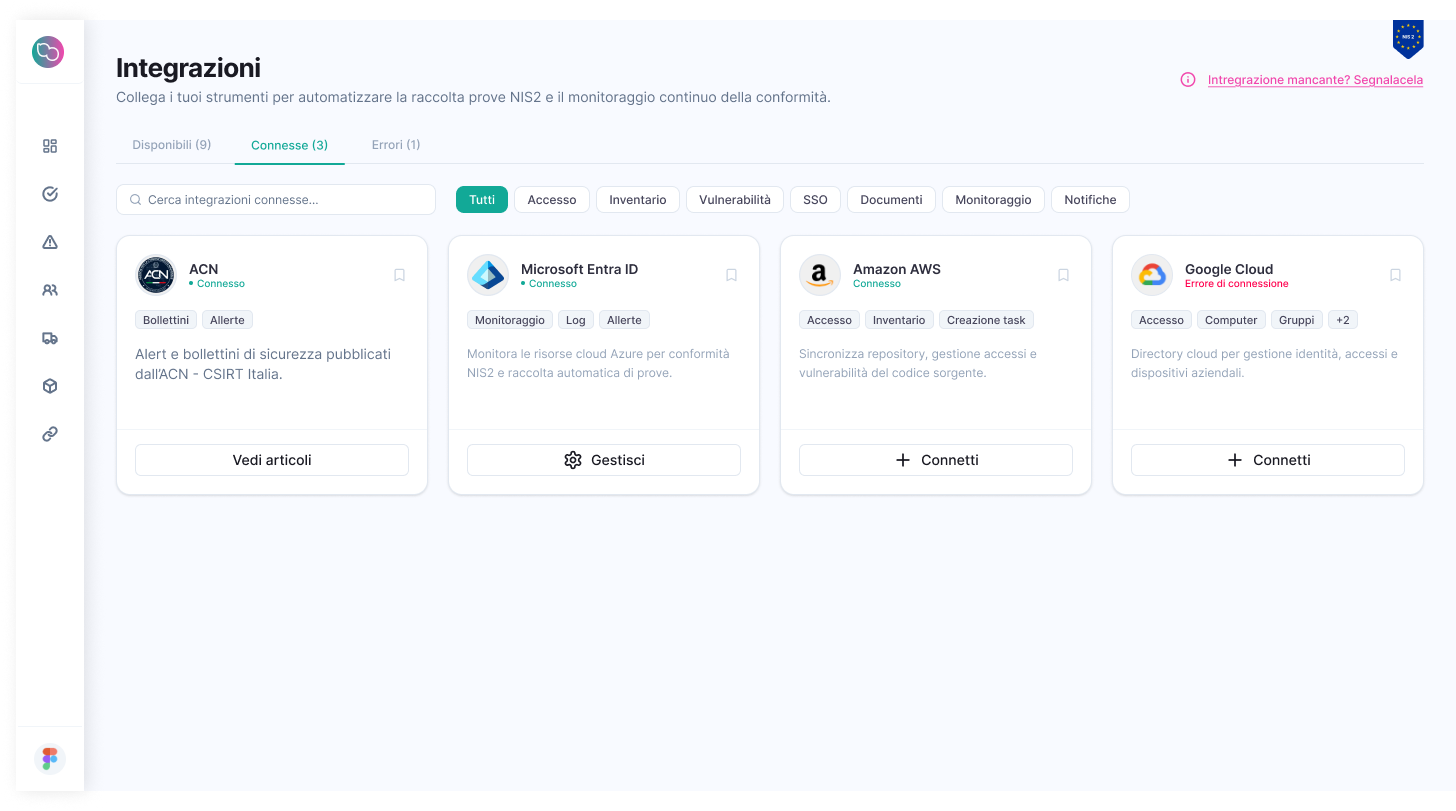
Microsoft tools enforce many technical controls required by NIS2. The overlap with a compliance platform is real, and it is fair to say so: here is where Microsoft’s job ends and Nispo’s begins.
In short
- Nispo complements Microsoft tools and does not replace them: Entra ID, Intune and Defender enforce technical controls, Nispo manages NIS2 compliance (requirements, evidence, suppliers, remediation, reporting).
- Microsoft tools do not keep the register of ACN requirements, management-approved policies, supplier assessments or reports for the management body.
- Nispo reads Microsoft 365 / Entra ID read-only through the Microsoft Graph API and records the results as evidence. It does not change configurations or detect threats.
What Microsoft covers
With Microsoft 365 Business Premium or E3/E5 you already have, depending on the plan, Entra ID (MFA, conditional access), Intune (device management and compliance), Defender (endpoint and email protection) and Purview (data protection, with Compliance Manager). Configured well, they implement a large share of the technical requirements of the ACN measures.
The ACN measures, however, also contain administrative requirements (policies, plans, registers, supplier assessment, management approval) and apply to systems outside Microsoft 365 too. Keeping that register is not a security tool’s job: it is a compliance platform’s.
Who does what
| Area | Microsoft tools (enforce) | Nispo (manages and documents) |
|---|---|---|
| MFA and privileged accounts | Entra ID | Checks MFA via Graph, flags admins without MFA and tracks remediation |
| Devices | Intune | Imports devices into the inventory, with owners |
| Endpoints, email and data | Defender, Purview | Does not detect threats; keeps policies and evidence linked to requirements |
| Regulatory assessment | Compliance Manager, for the Microsoft environment | Register on the ACN measures, including non-Microsoft systems |
| Policies, suppliers, management | Not their purpose | Templates and approvals, supplier register, management reports |
| Incidents | Defender and SIEMs detect | CSIRT Italia bulletins, response plan; the incident response service supports notifications |
How Nispo connects
Read-only on the Microsoft Graph API: it reads users, admin roles, MFA status, devices and licences, without changing anything. Connecting takes about 5 minutes, the first checks 10-15 minutes. Nispo also integrates with Google Workspace, AWS and Google Cloud: NIS2 technical controls.
I have Business Premium: do I need Nispo?
Probably not, if a team already keeps the register of ACN requirements, approved policies, supplier assessments and management reports. Probably yes, if the Microsoft tools are configured but the proof of compliance lives in spreadsheets, folders and email. Either way, the Microsoft tools remain necessary.
To see the difference on your own data, book a 30-minute demo: we connect your tenant read-only and you look at your real controls and evidence.